Mr. Phisher TryHackMe Writup
I received a suspicious email with a very weird looking attachment. It keeps on asking me to “enable macros”. What are those?
I received a suspicious email with a very weird looking attachment. It keeps on asking me to “enable macros”. What are those?
I received a suspicious email with a very weird looking attachment. It keeps on asking me to “enable macros”. What are those?
Room: https://tryhackme.com/room/mrphisher
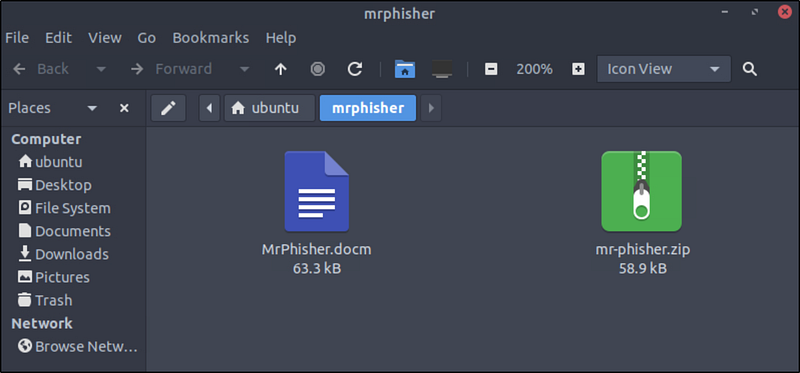
After launching the virtual machine, I navigated to the working directory.Here, I found two files:
MrPhisher.docm-mr-phisher.zip,which contains the same.docmfile.
When opening MrPhisher.docm, LibreOffice Writer prompted a security warning about macros.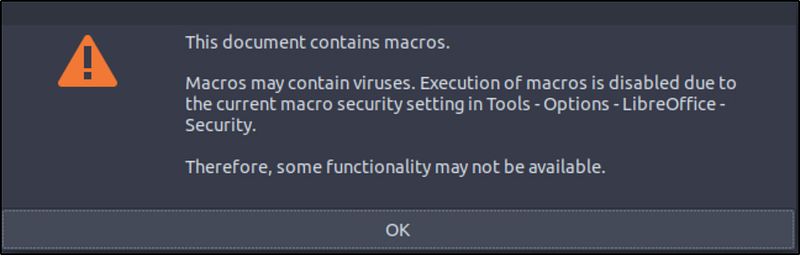
Click OK and continue.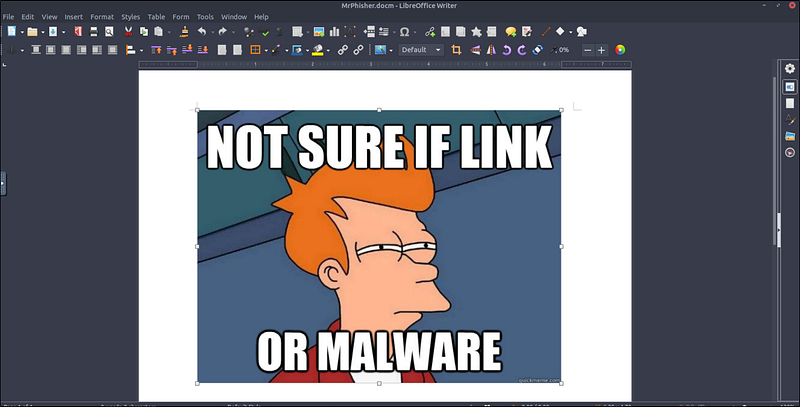
Let’s investigate the macros. Navigate to Tools->Macros->Edit Macros.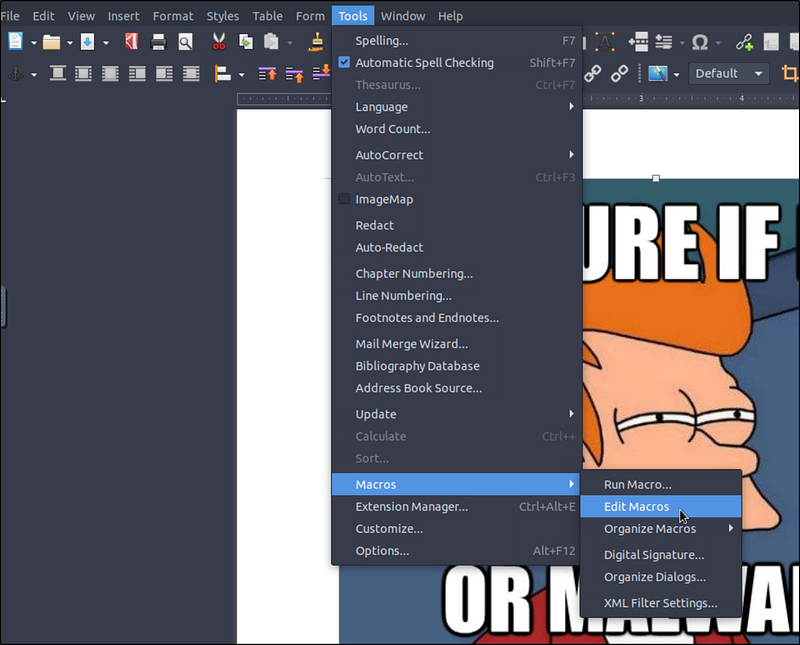
I found the script in MrPhisher.docm->Project->Modules->NewMacros->Format. We can also find the macros using the oledump tool.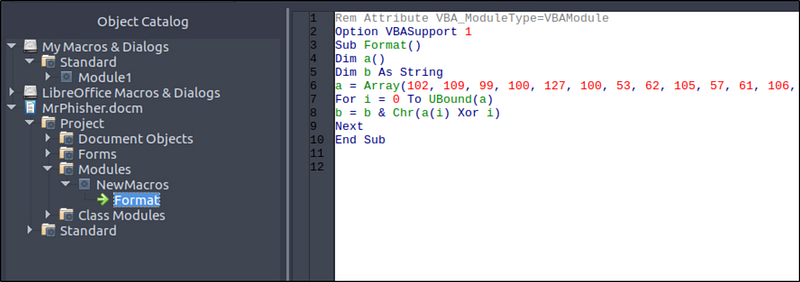
Here’s the full code:
Rem Attribute VBA_ModuleType=VBAModuleOption VBASupport 1Sub Format()Dim a()Dim b As Stringa = Array(102, 109, 99, 100, 127, 100, 53, 62, 105, 57, 61, 106, 62, 62, 55, 110, 113, 114, 118, 39, 36, 118, 47, 35, 32, 125, 34, 46, 46, 124, 43, 124, 25, 71, 26, 71, 21, 88)For i = 0 To UBound(a)b = b & Chr(a(i) Xor i)NextEnd Sub
What’s Going On Here?
This macro uses XOR obfuscation to hide a message inside an array of integers. Here’s what happens:
- An array
ais filled with encoded values.- A loop XORs each value with its index.- The result is converted to a character (Chr(...)) and appended to a stringb.
This is a simple but effective method to hide malicious or sensitive strings from static analysis.
Decrypting the Payload
To reveal what the macro was hiding, I translated it into a Python script for easy decoding: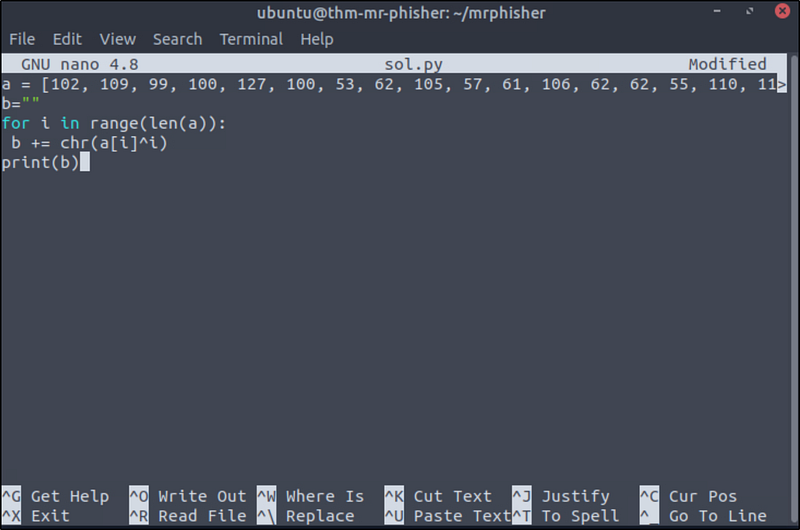
1
a = [102, 109, 99, 100, 127, 100, 53, 62, 105, 57, 61, 106, 62, 62, 55, 110, 113, 114, 118, 39, 36, 118, 47, 35, 32, 125, 34, 46, 46, 124, 43, 124, 25, 71, 26, 71, 21, 88]b=””for i in range(len(a)): b += chr(a[i]^i)print(b)
Explanation
- The list
acontains obfuscated character codes.- Each value is XORed with its index (a[i] ^ i) to get the original character code.- The result is decoded into a character usingchr(...)and appended to the stringb.- The final output is our flag

Final Thoughts
This was a fun and educational challenge demonstrating the importance of caution around macro-enabled documents. Phishing attacks commonly use .docm files with obfuscated scripts just like this, except in real incidents, the payloads are far more dangerous.